


More to explore
How to see milestones and read cricket news
See every big score and wicket haul by local players, and read the latest cricket news.
Who can do this
Everyone can read. To cheer or comment, you need an account.
Before you start
A phone or computer with internet.
Open cricoscore.app in your browser.
See milestones
CricoScore posts a milestone by itself when a player scores 50 or 100, or takes a wicket haul in a scored match.
Open the More menu (More in the top menu on a computer, or in the bottom bar on a phone).
Click (or tap on a phone) Milestones under Stats (STATS on a phone).
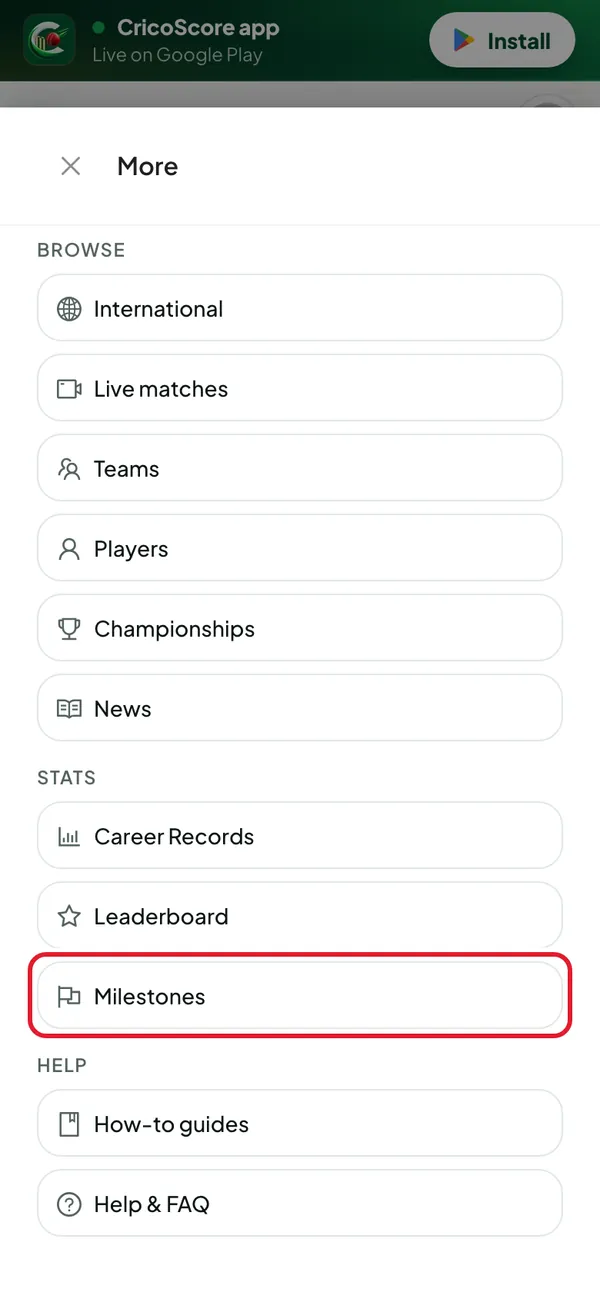
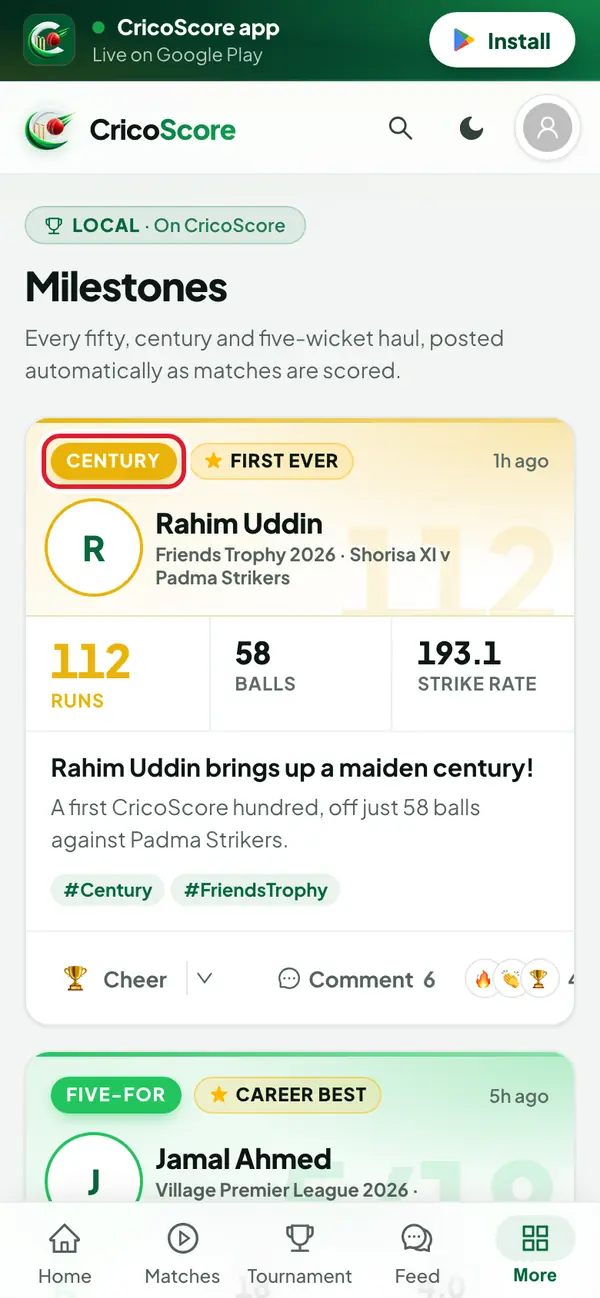
Picture 1. Tap or click to see it bigger. Scroll down. Each card shows the player, the match and the figures. The tag at the top says what it is, like FIFTY, CENTURY or FIVE-FOR.
Picture 2. Tap or click to see it bigger. To cheer, click (or tap) Cheer. To choose another emoji, click (or tap) the small arrow next to it.
To comment, click (or tap) Comment.
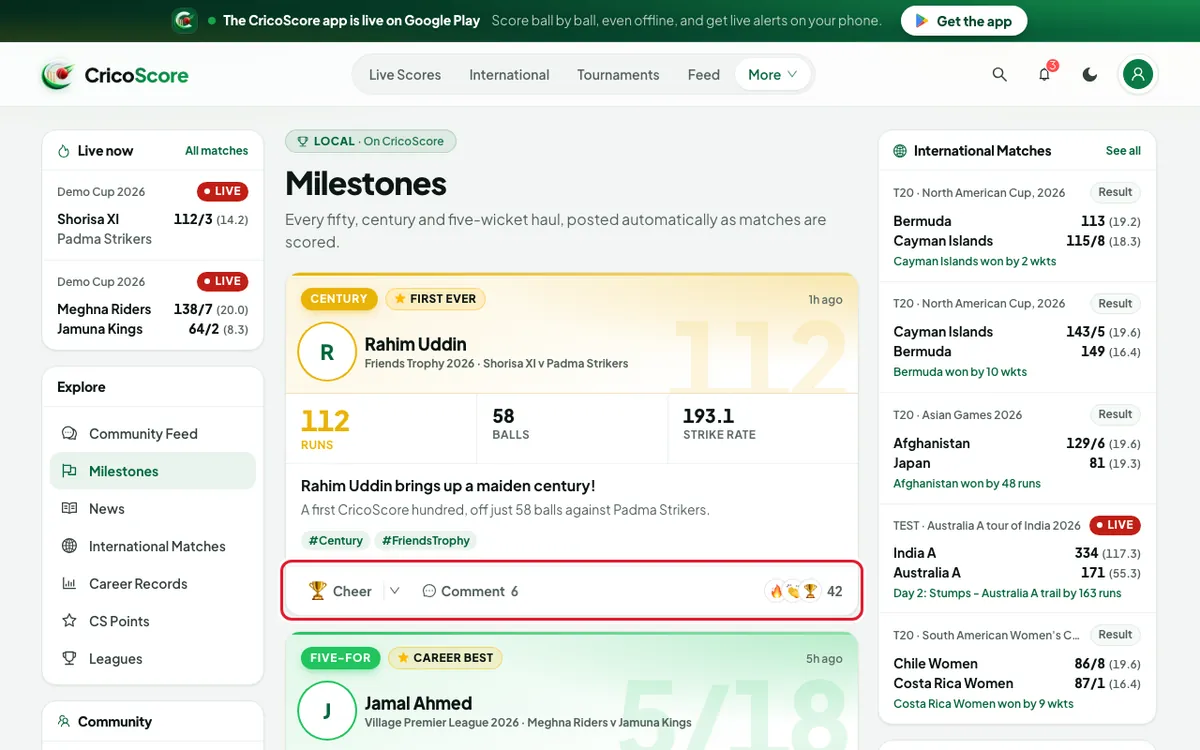
Picture 3. Tap or click to see it bigger.
Read the news
Open the More menu.
Click (or tap) News under Browse (BROWSE on a phone). The Cricket News page opens.
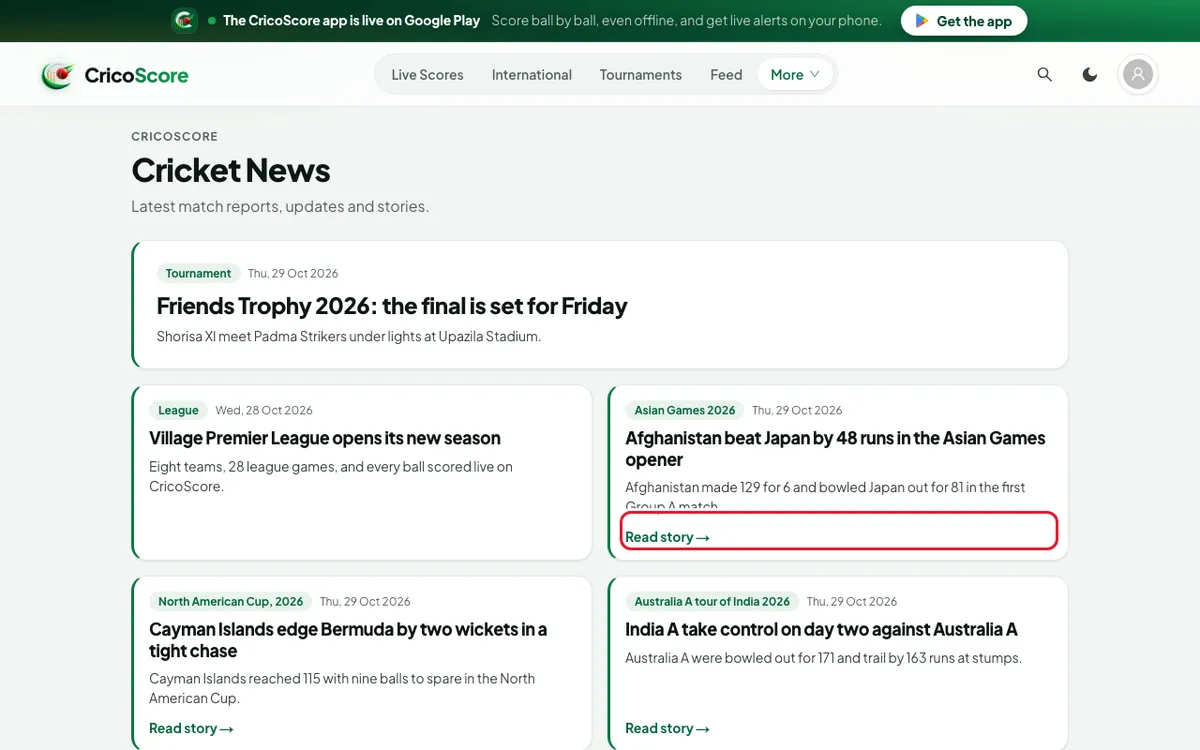
Picture 4. Tap or click to see it bigger. Click (or tap) a story that shows Read story →. The full story opens.
Common problems
| Problem | What to do |
|---|---|
| Log in to cheer. | Log in first. See How to sign in on the website. |
| No milestones yet | No player has reached a milestone yet. Check again after the next scored match. |
| A news card does not open | That is normal. Only cards with Read story → open. The others show only a title and a summary. |