


The feed
How to comment, react, save and reshare a post on the website
You will react to a post, write a comment, save a post for later, and share it with others.
Who can do this
Anyone with an account. Without an account, you can still read posts and comments.
Before you start
Sign in. See How to create an account and sign in on the website.
Open the feed, or any post. See How to read and post on the feed.
Steps
React
Under the post, click (or tap on a phone) the heart. On a computer it says Like.
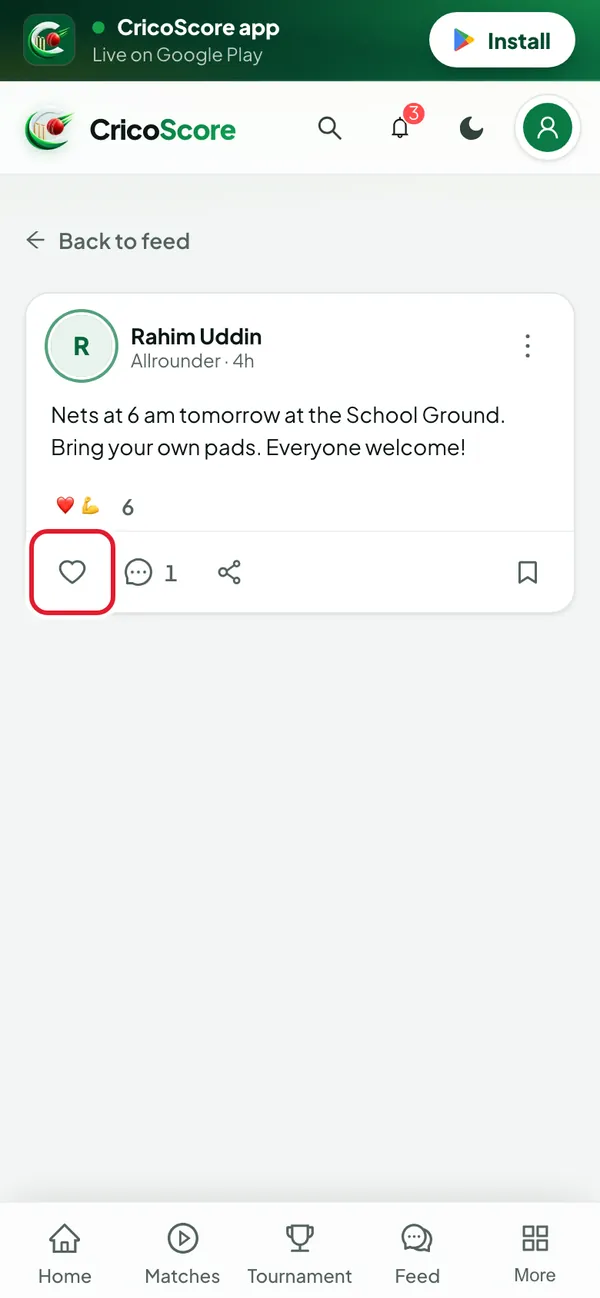
Picture 1. Tap or click to see it bigger. For another reaction, rest your mouse on the heart. On a phone, press and hold it. Then choose 🔥, 👏, 💪, 🏆 or 🐐.
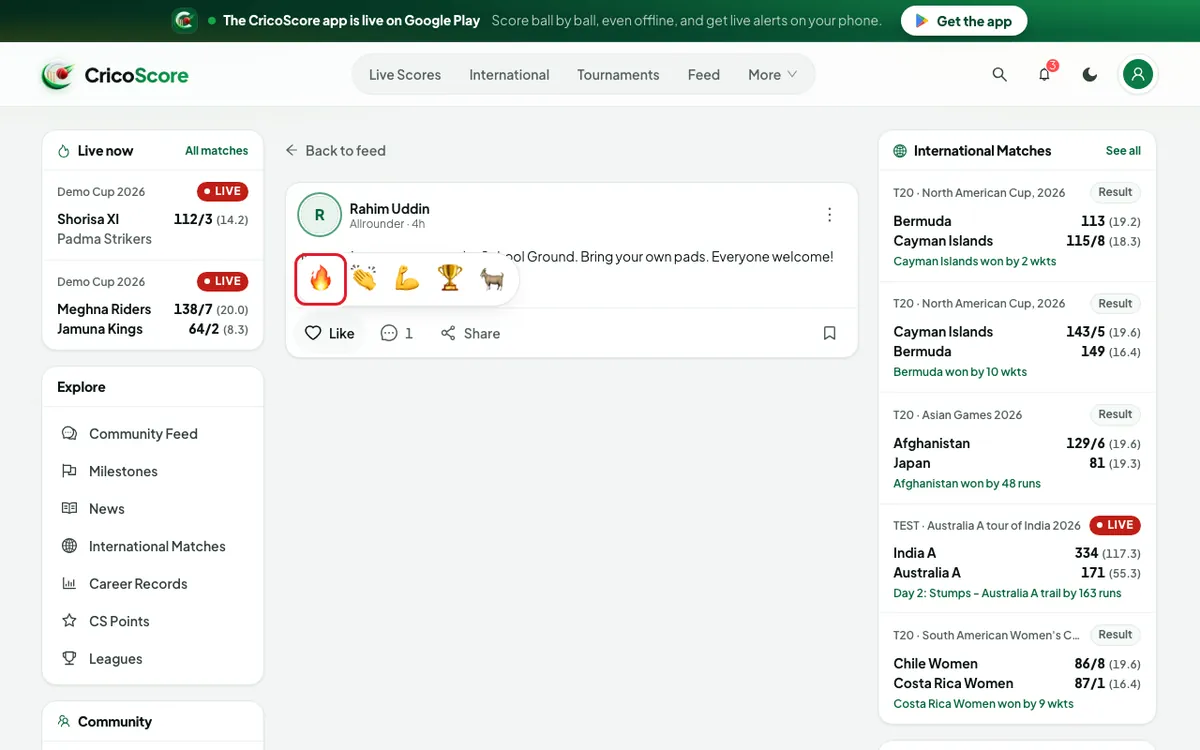
Picture 2. Tap or click to see it bigger.
Comment
Click the speech bubble. On a computer it says Comment. The comments open under the post.
Type in the Write a comment… box. Click Post.
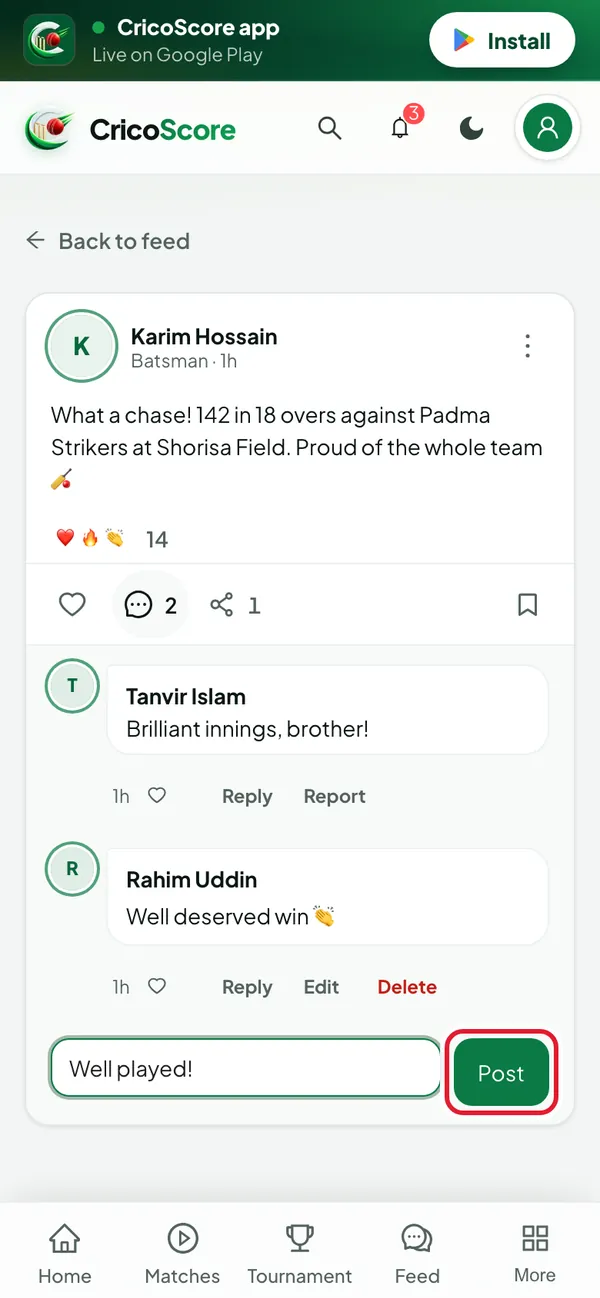
Picture 3. Tap or click to see it bigger. To answer one comment, click Reply under it. Type, then click Post.
Save
Click the bookmark at the bottom right of the post. You see Saved.
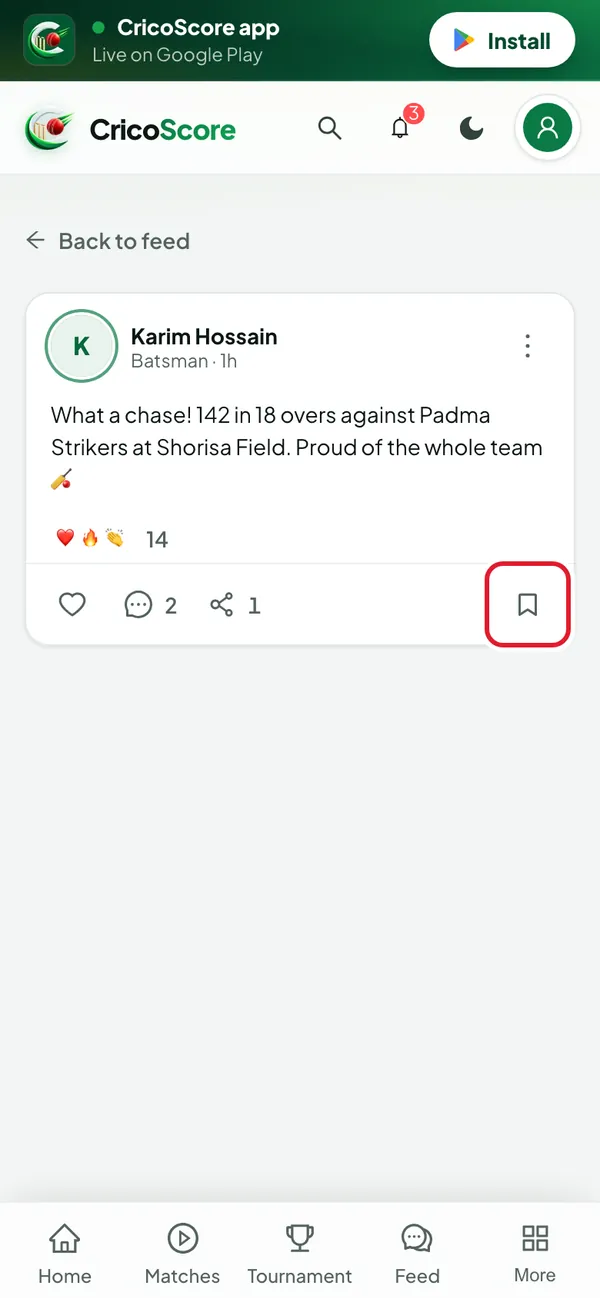
Picture 4. Tap or click to see it bigger.
Reshare
Click the share arrow. On a computer it says Share. The Share post box opens.
Type a few words if you like. Under SHARE TO, choose Your timeline, a team or a tournament.
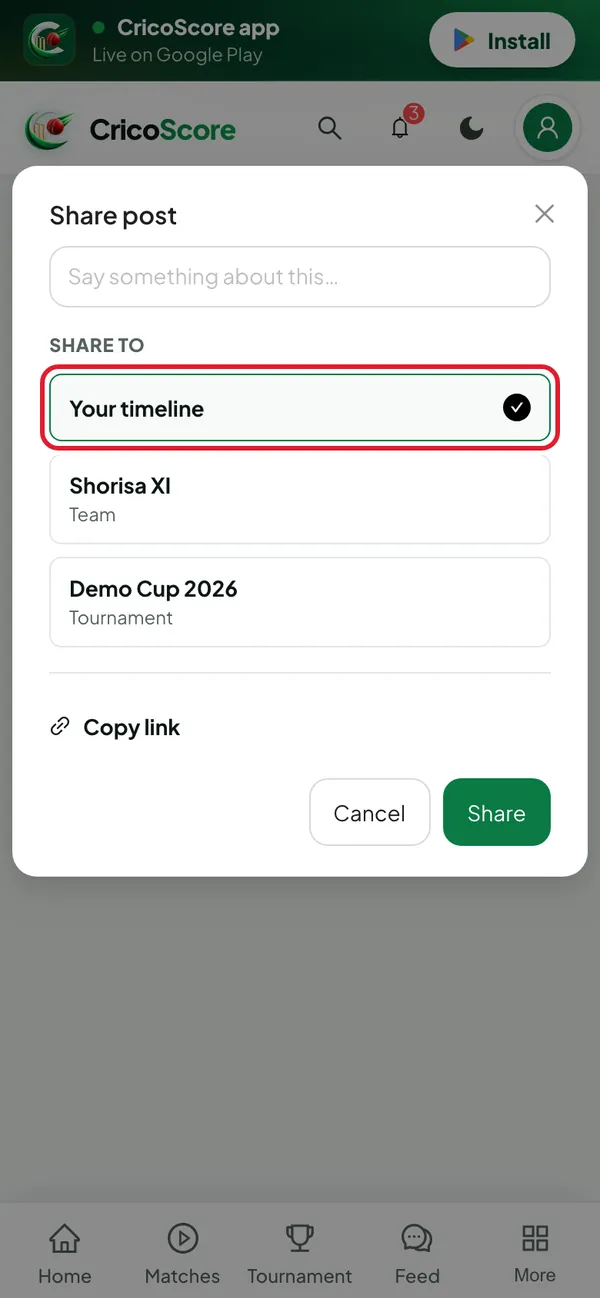
Picture 5. Tap or click to see it bigger. Click Share. You see Shared. The post now shows in the feed with your words above it.
Common problems
| Problem | What to do |
|---|---|
| Clicking the heart opens the Log in page | You are not signed in. Sign in, and the website brings you back. |
| I see Log in to comment | Sign in first. Then you can comment and reply. |
| I chose the wrong reaction | Choose another one. To remove it, click the heart again. |
| My comment is too long | A comment can have up to 2,000 characters. Split it into two. |
| I see "This post has been removed." | The writer deleted the post. You can't react or comment on it. |