


Follow cricket
How to search on the website
You will find a player, team, match or tournament by its name.
Who can do this
Everyone. You don't need an account.
Before you start
A phone or computer with internet.
Steps
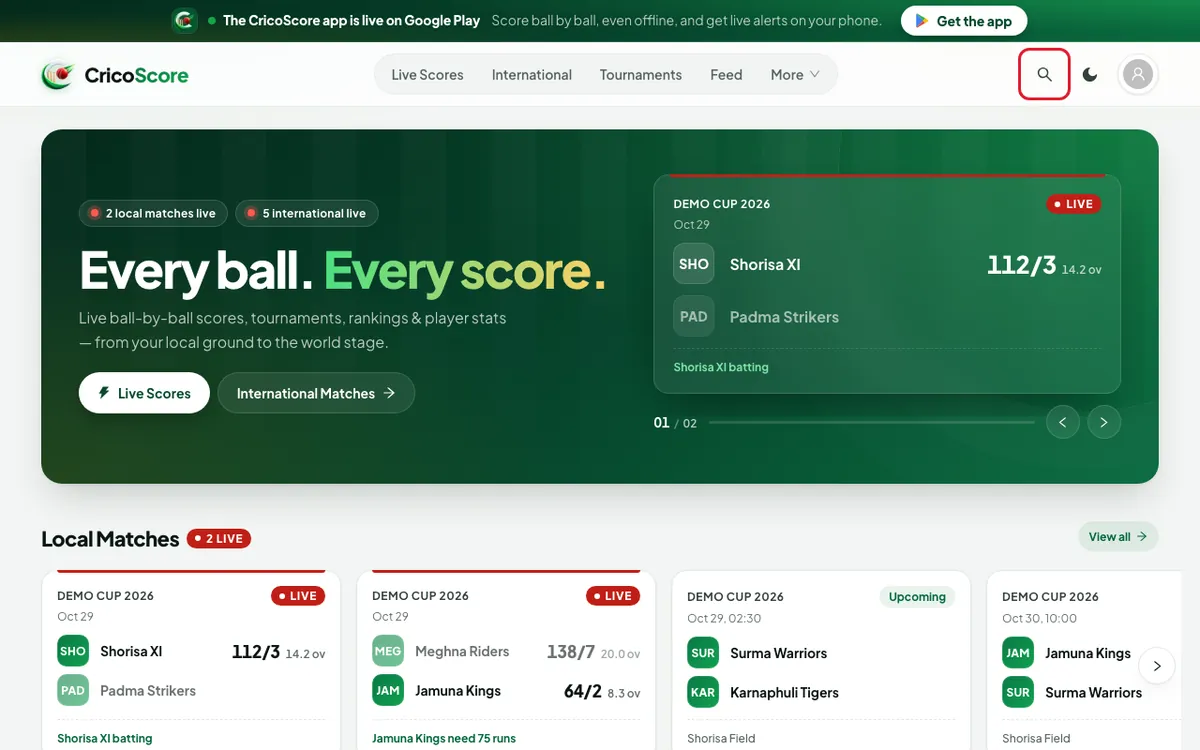
Click (or tap on a phone) the search icon (🔍) at the top right of any page. The Search page opens.
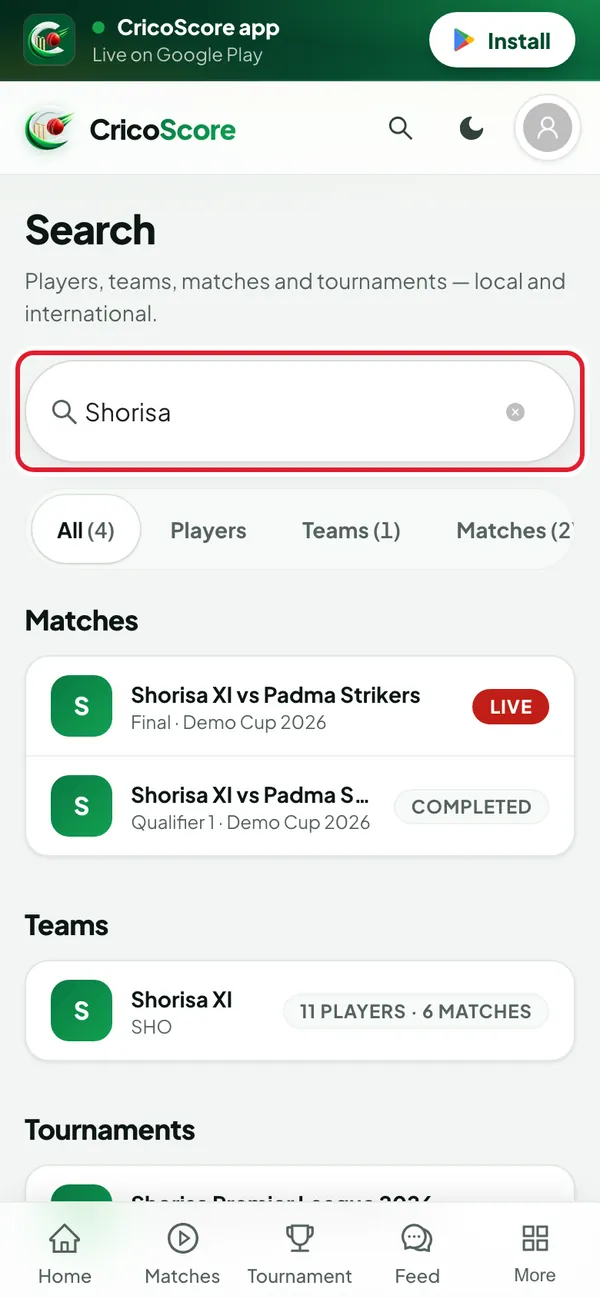
Picture 1. Tap or click to see it bigger. Type a name in the box. Type at least 2 letters. Example: "Shorisa". The results appear while you type.
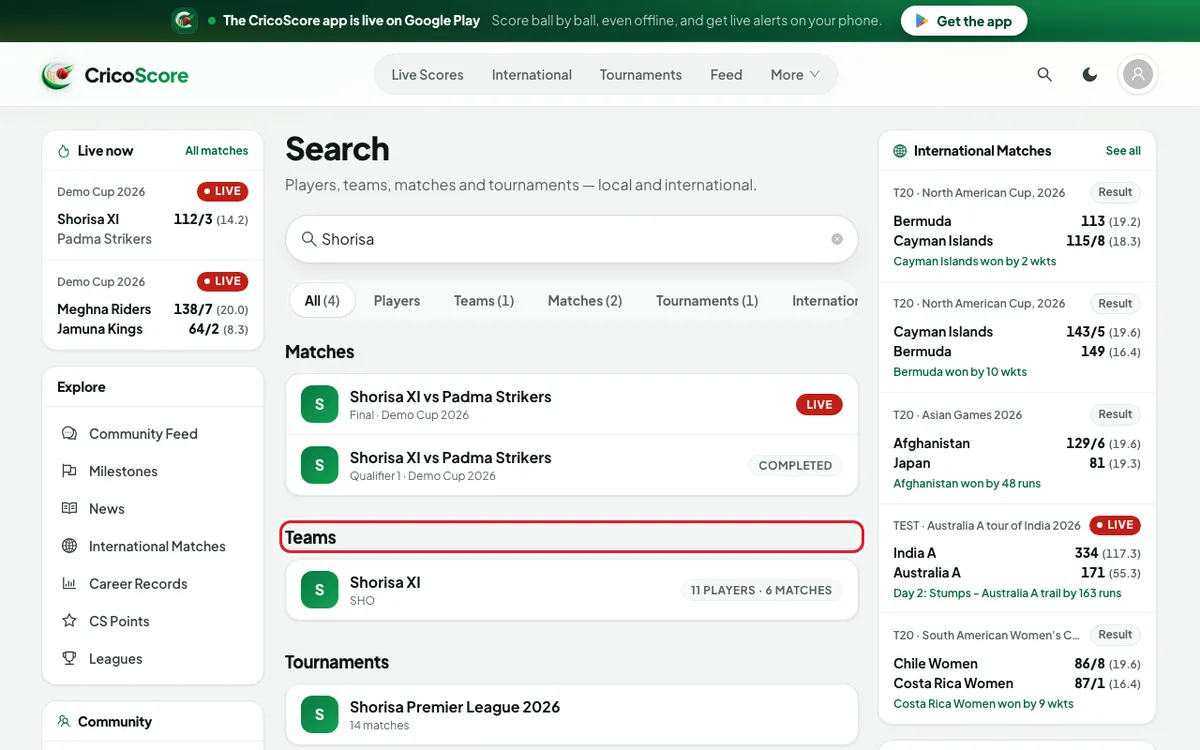
Picture 2. Tap or click to see it bigger. Look at the results. They are in groups: Players, Teams, Matches, Tournaments and International players.
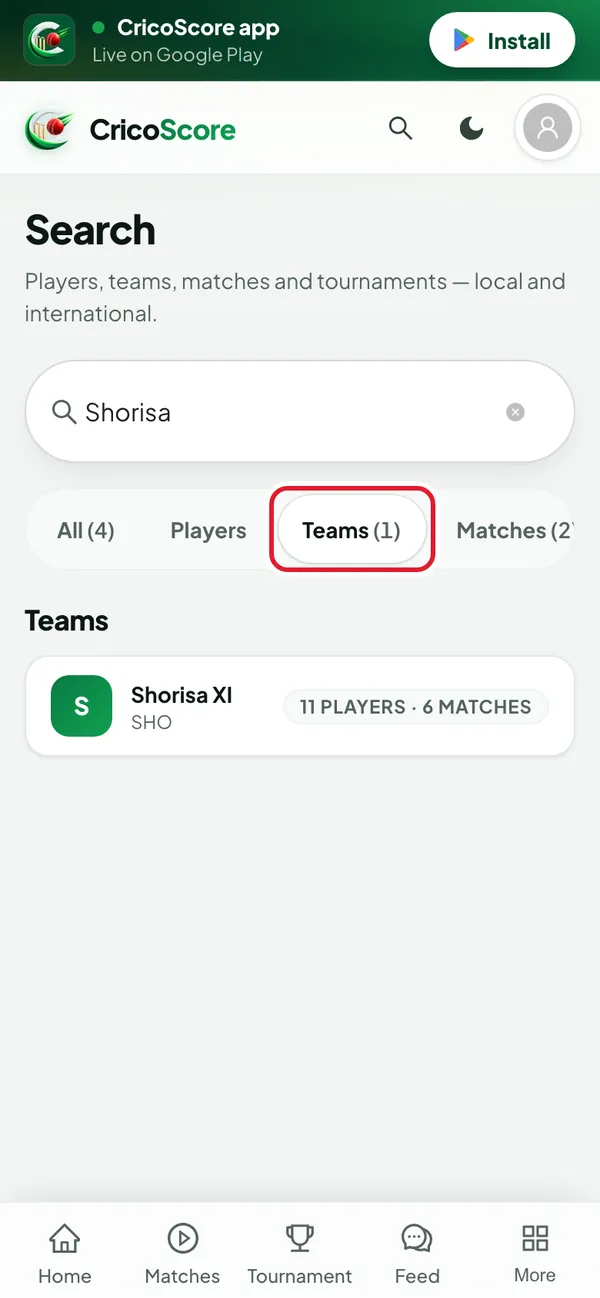
Picture 3. Tap or click to see it bigger. To see one kind only, click (or tap on a phone) a button under the box: All, Players, Teams, Matches, Tournaments or International. Each button shows how many results it has.
Picture 4. Tap or click to see it bigger. Click (or tap on a phone) a result. Its page opens.
Common problems
| Problem | What to do |
|---|---|
| Type at least 2 characters to search. | Type 1 more letter. |
| No results for “…” | Check the spelling. Or type a shorter part of the name, like "Rahim" instead of "Rahim Uddin". |
| Search isn’t working right now. | Check your internet, then click (or tap on a phone) the button to try again. |
| I can't find a match by date | Search finds names only. To find matches by day, see How to follow live scores. |