


Follow cricket
How to follow a tournament on the website
You will find a tournament and see its points table, matches, teams and top players.
Who can do this
Everyone can look. To Follow a tournament, you need an account.
Before you start
A phone or computer with internet.
Steps
Open the tournaments page:
Computer: click Tournaments in the top menu.
Phone: tap Tournament in the bottom bar.
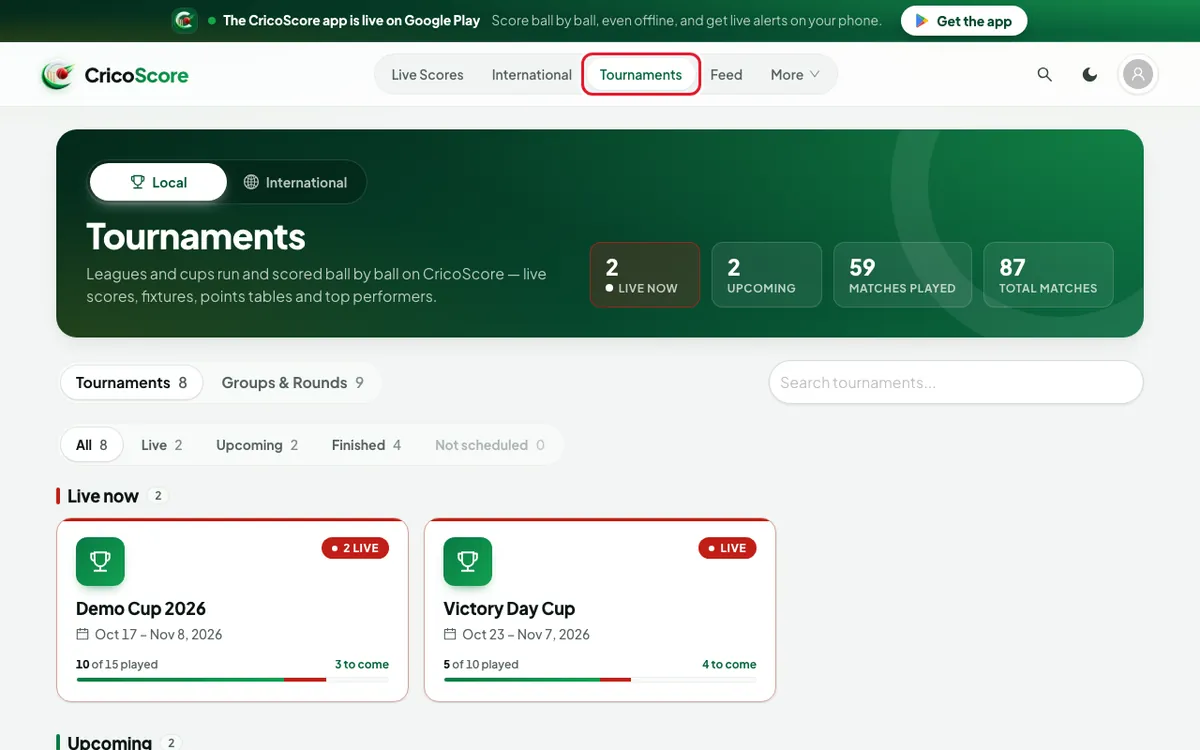
Picture 1. Tap or click to see it bigger. Type a name in the Search tournaments... box. Example: "Demo Cup". You can also choose Live, Upcoming or Finished.
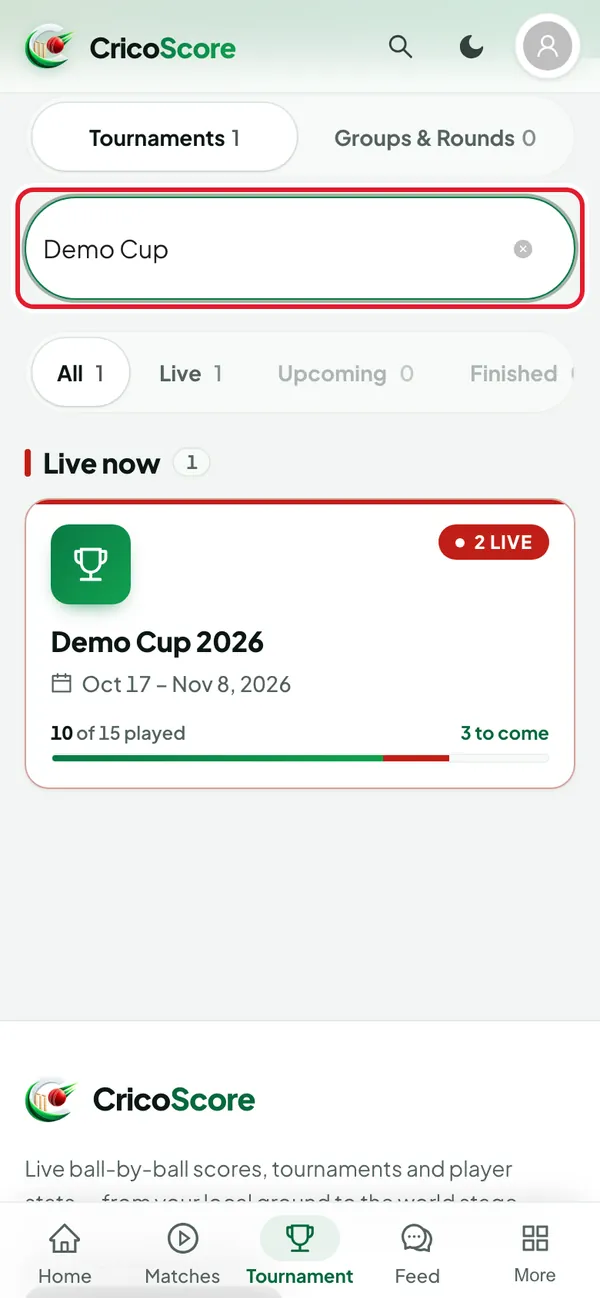
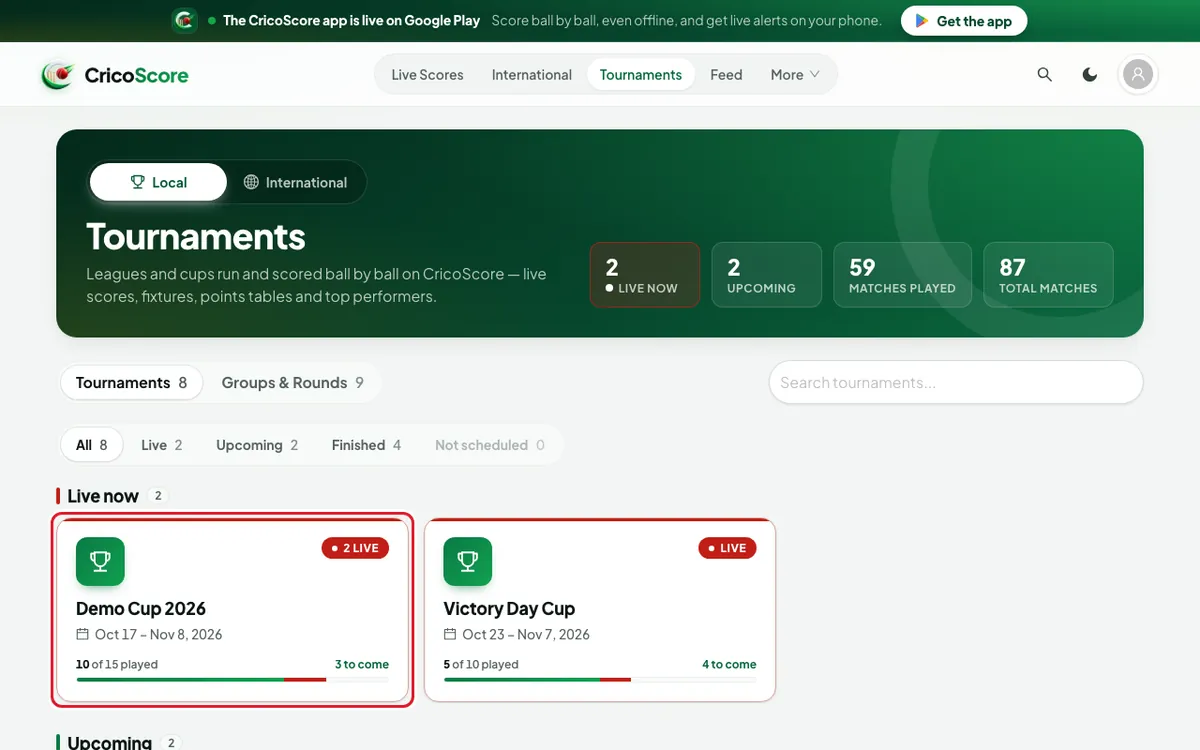
Picture 2. Tap or click to see it bigger. Click (or tap on a phone) the tournament card. The tournament page opens.
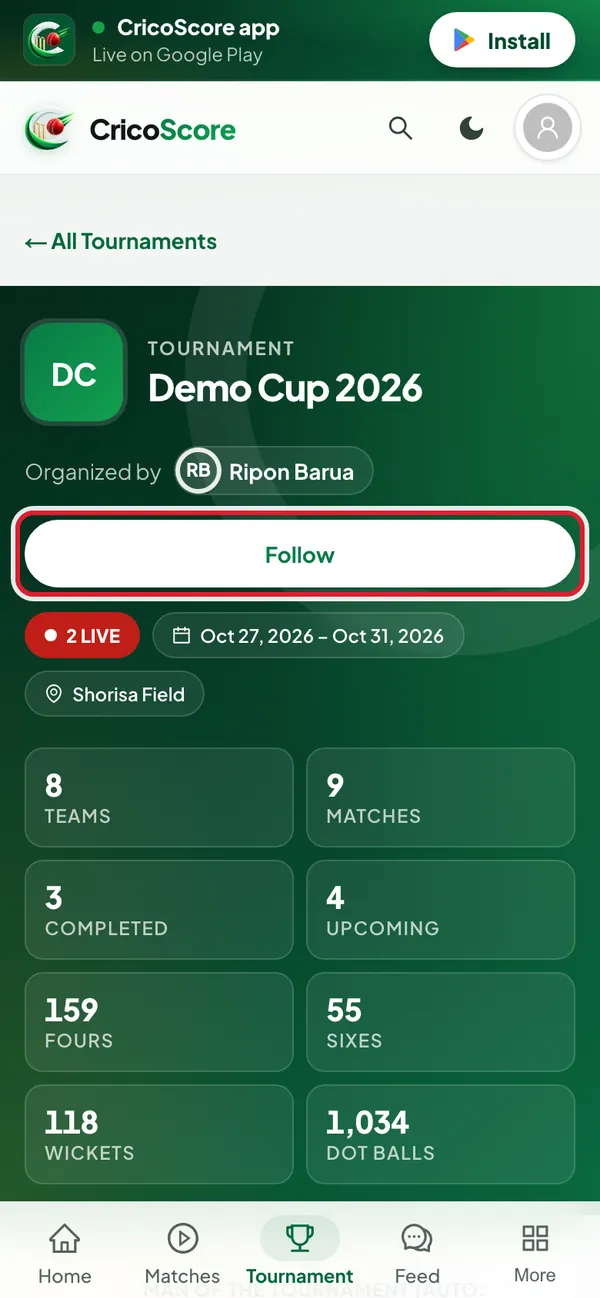
Picture 3. Tap or click to see it bigger. Click (or tap on a phone) Follow under the tournament name. It changes to Following. Not signed in? The website opens the sign-in page first.
Picture 4. Tap or click to see it bigger. Look at Points Table. It opens first.
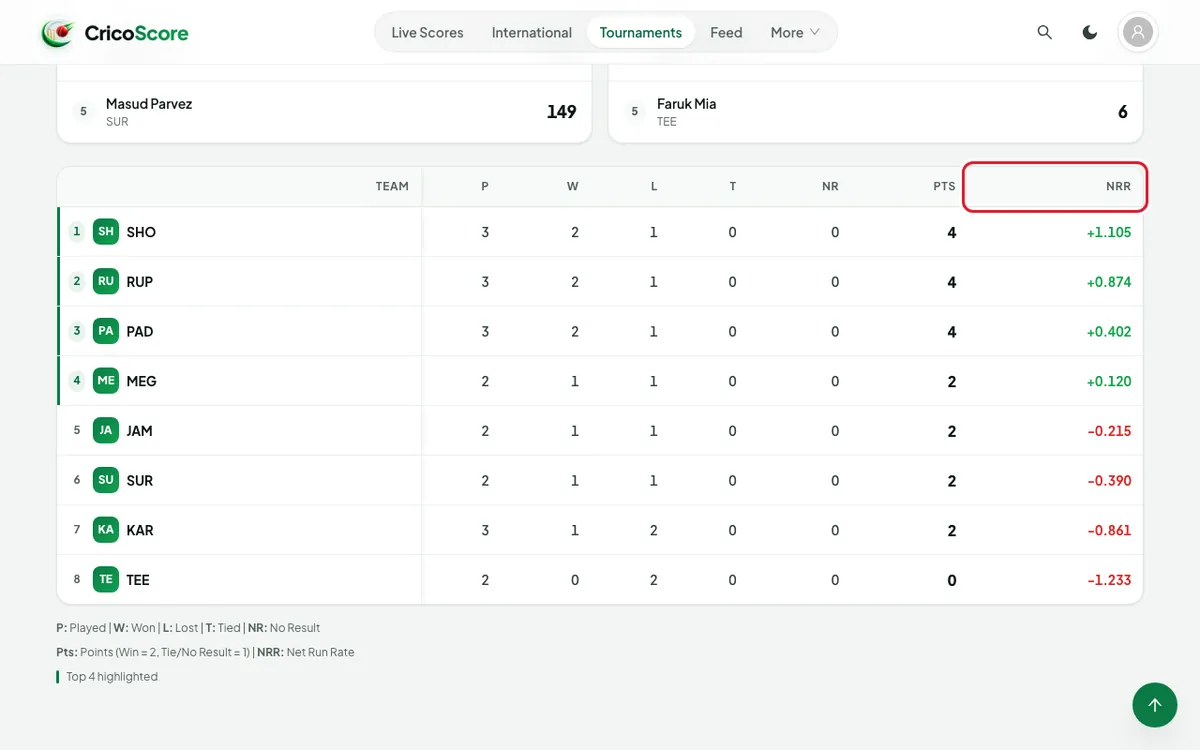
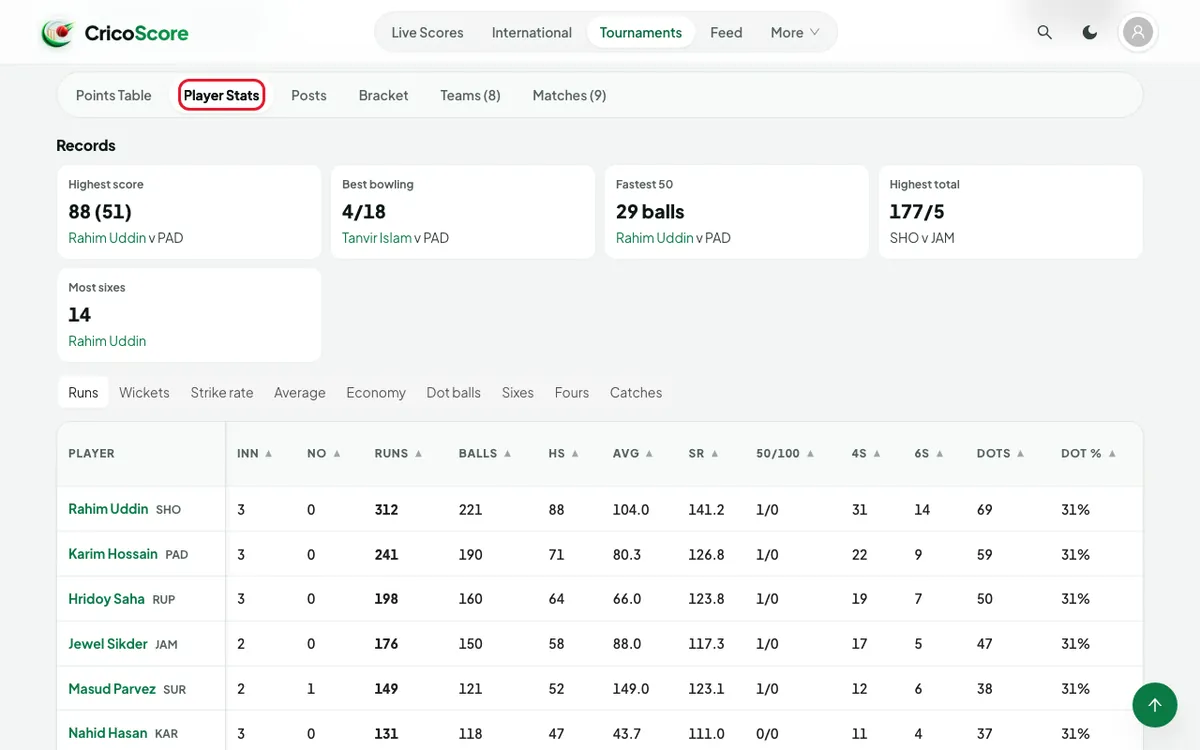
Picture 5. Tap or click to see it bigger. Click (or tap on a phone) Player Stats. Choose a list, for example Runs, Wickets or Economy.
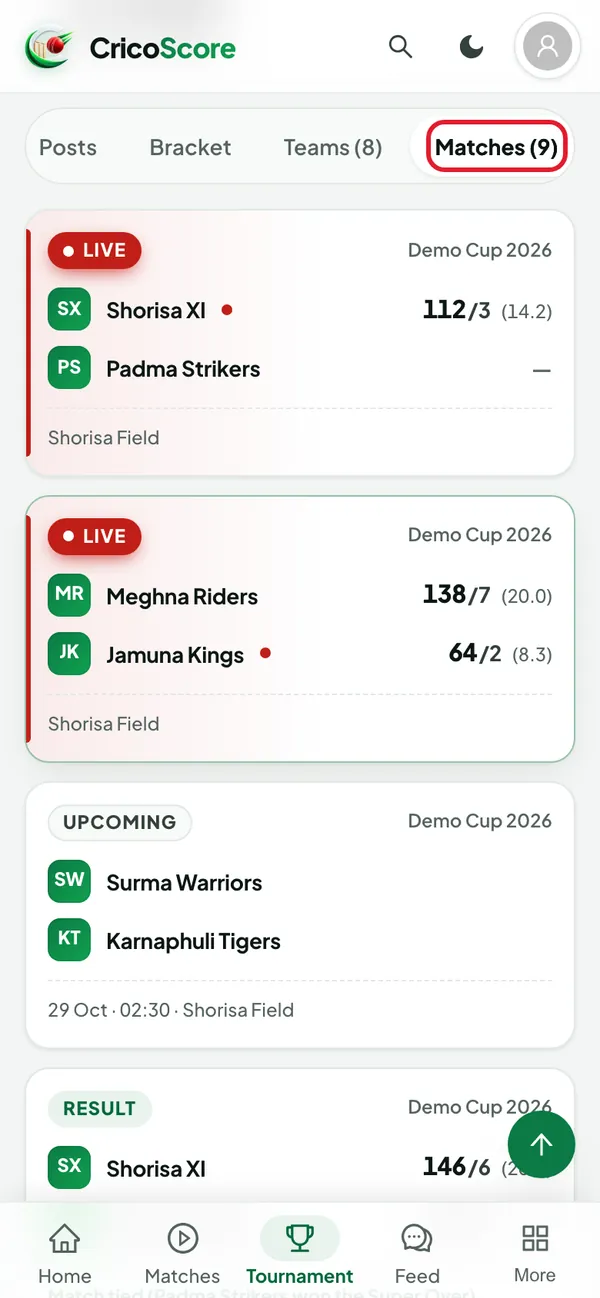
Picture 6. Tap or click to see it bigger. Click (or tap on a phone) Matches. Click (or tap on a phone) a match to open it.
Picture 7. Tap or click to see it bigger. Open the other tabs when you need them:
Posts: news from the organiser.
Bracket: the knockout rounds.
Teams: every team. Click (or tap on a phone) one to open it.
Groups: a points table for each group. This tab shows only if the tournament has groups.
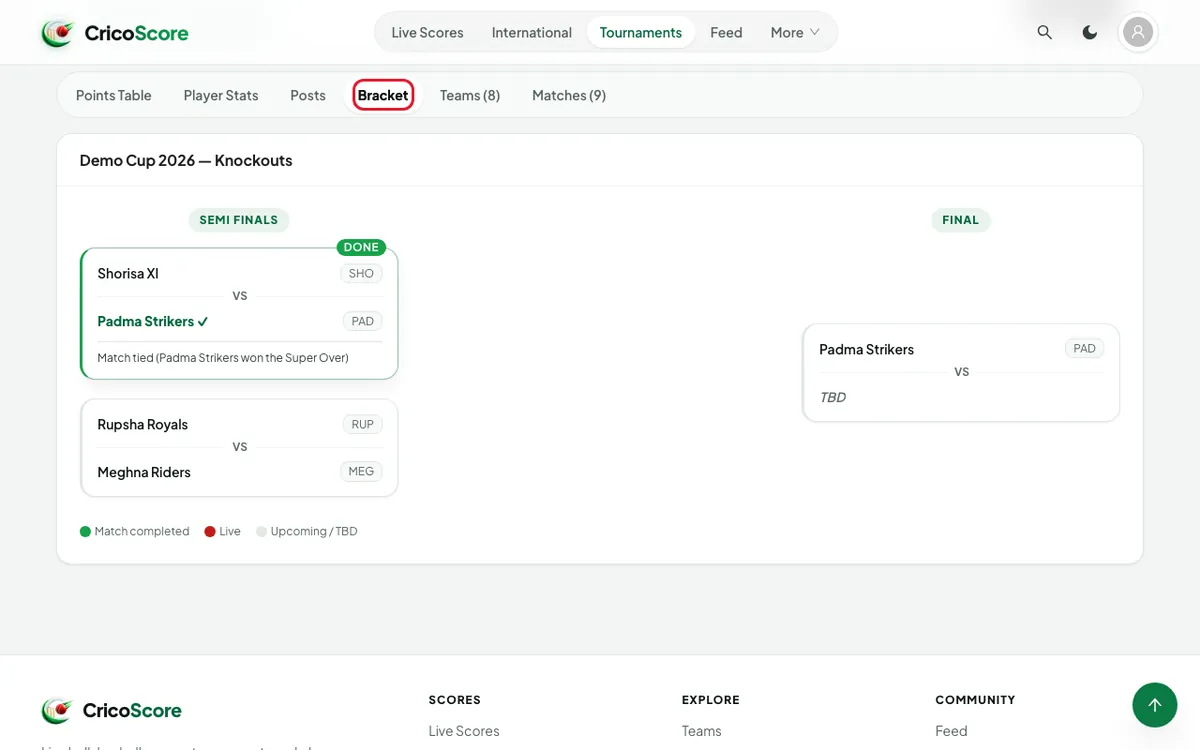
Picture 8. Tap or click to see it bigger.
Common problems
| Problem | What to do |
|---|---|
| I can't find a Create tournament button here | Organisers create tournaments under My Cricket in the account menu. See How to create and set up a tournament. |
| No bracket set up for this tournament yet. | The tournament has no knockout bracket yet. |
| No player stats yet. | Stats appear after matches are scored. |
| The points table is empty | No match has finished yet. |
| I see world series, not local tournaments | Choose Local at the top of the page. International shows world cricket. |