


Follow cricket
How to watch a match video on the website
You will watch a live match video next to the live score.
Who can do this
Everyone. You don't need an account.
Before you start
A phone or computer with good internet.
The match must be live now. The video buttons show only while a match is live.
Find a match with video
Open More, then click (or tap on a phone) Live matches. You see every match with video on air now.
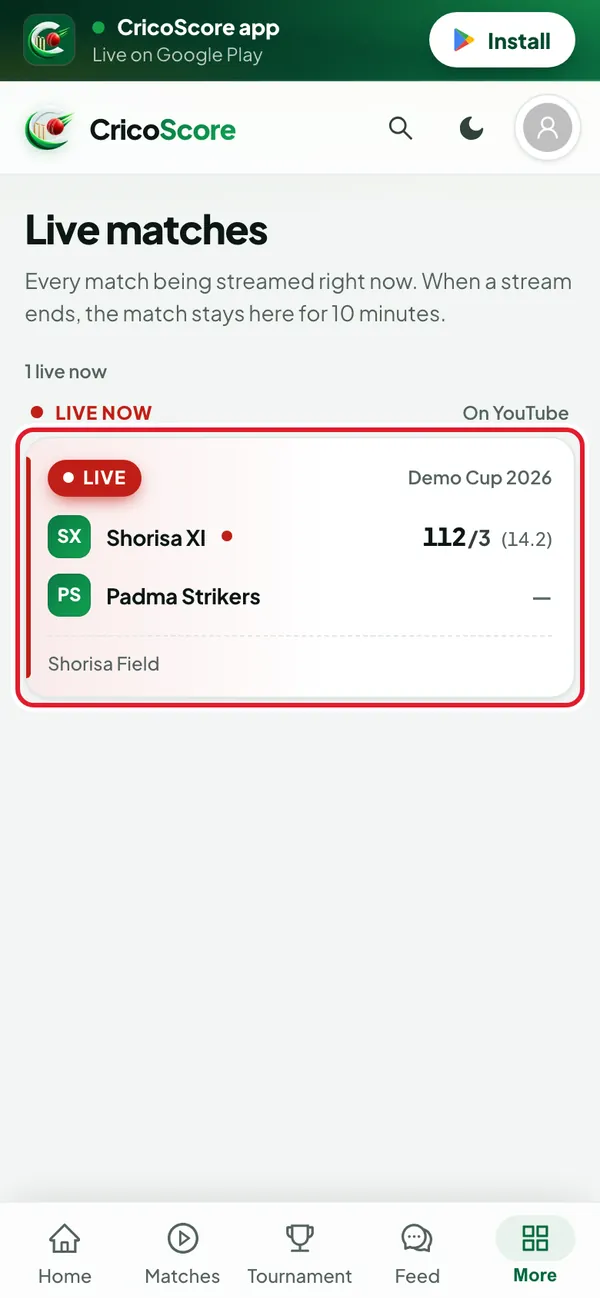
Picture 1. Tap or click to see it bigger. Click (or tap on a phone) the match card. The match page opens.
Watch with the live score
Click (or tap on a phone) Watch live. It is the green button under the score.
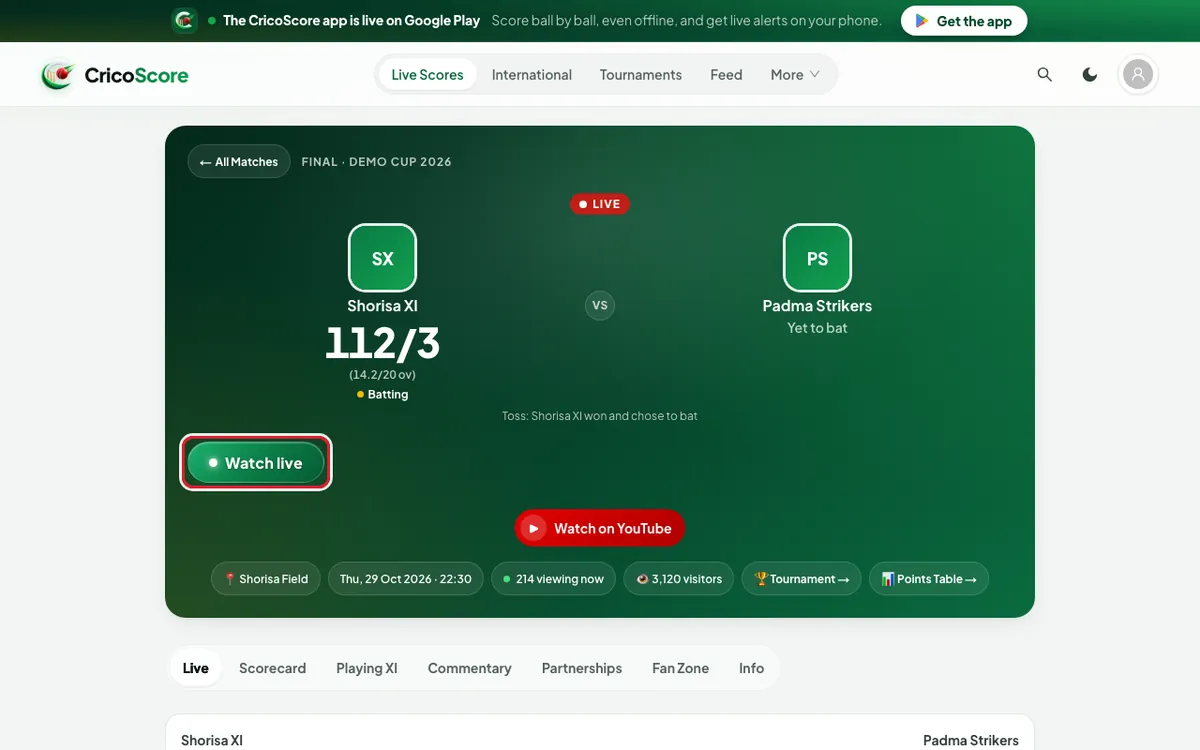
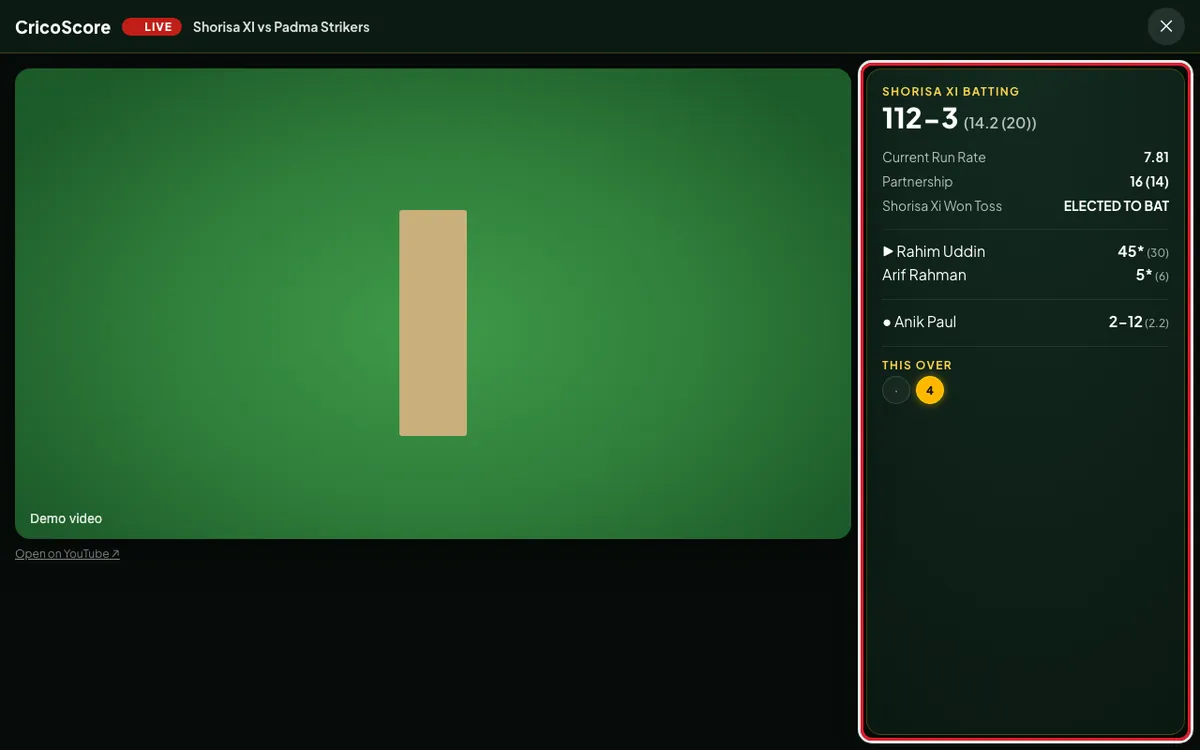
Picture 2. Tap or click to see it bigger. The live view fills the screen. You see the video and the live score: the batters, the bowler and THIS OVER.
Picture 3. Tap or click to see it bigger. To close it, click (or tap on a phone) ✕ at the top right. On a computer, you can also press the Esc key.
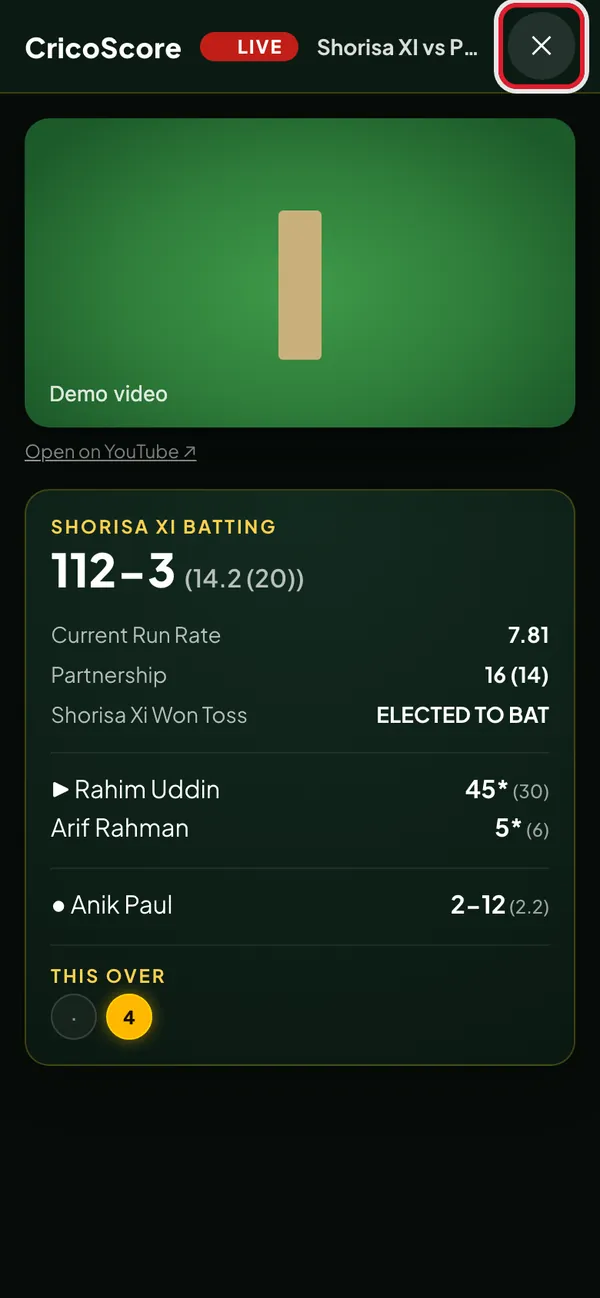
Picture 4. Tap or click to see it bigger.
Or watch on YouTube or Facebook
Some live matches also show Watch on YouTube or Watch on Facebook. These show only when the scorer added a YouTube or Facebook video link.
Click (or tap on a phone) Watch on YouTube. The video plays in a pop-up on the same page.
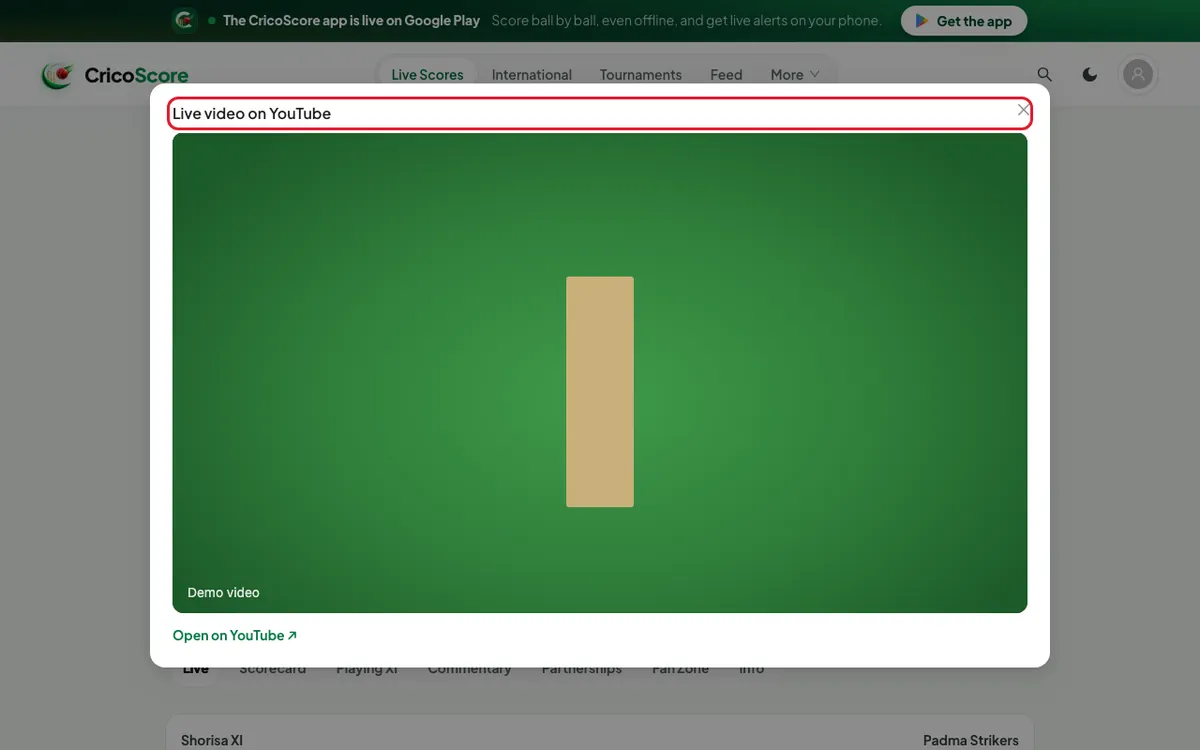
Picture 5. Tap or click to see it bigger. To close the pop-up, click (or tap on a phone) × at its top right.
Common problems
| Problem | What to do |
|---|---|
| I don't see Watch live | The match is not live. Video buttons show only while the match is live. |
| The live video hasn’t started yet. | The scorer has not started the video. Keep the live view open. The video appears by itself when it starts. |
| The score appears after the toss. | The toss is not done yet. Wait for the toss. |
| This link can’t be played here. | Click (or tap on a phone) Open on YouTube ↗ or Open on Facebook ↗. |
| The match is over and I want to watch it again | The website shows video only while the match is live. Ask the scorer for the YouTube or Facebook link. |
| The video stops or freezes | Check your internet. Close the live view and open it again. |